Hunting note
Start with the decision, then inspect the details.
A practical guide for homeowners and renters researching furniture purchases online on home office setup guide essentials, covering the best next steps, tradeoffs, and when to call a pro.
As working from home becomes a norm rather than an exception, creating a functional, comfortable, and safe home office is more important than ever. Whether you’re a homeowner or renter, setting up your workspace involves more than just plopping down a desk and chair. It requires thoughtful planning, smart furniture choices, and attention to safety—all tailored to your unique space and work style.
This guide distills the home office setup essentials into practical steps, helping you avoid common pitfalls, understand tradeoffs, and know when to call in professionals to get the job done right. By the end, you’ll be equipped to make informed decisions that boost productivity and well-being while respecting your budget and space constraints.
Why a Thoughtful Home Office Setup Matters
Your home office is more than just a place to work; it’s where focus, creativity, and productivity happen. Poorly planned setups can lead to discomfort, distractions, and even health issues like back pain or eye strain. On the other hand, a well-designed workspace can enhance workflow, reduce stress, and create a clear boundary between work and home life—essential for mental balance.
Moreover, in multi-use homes or smaller apartments, space optimization is crucial. Choosing the right furniture and layout ensures your office integrates seamlessly without overwhelming your living area. This is especially important for renters who may face restrictions on modifications or limited space.
Finally, safety should never be overlooked. From securing tall bookshelves to selecting low-VOC furniture, these considerations protect your household, especially if you have children or pets.
What to Check First Before Buying Furniture
Assess Your Space and Workflow Needs
Begin by measuring your available space carefully. Note ceiling height, wall length, window placement, and electrical outlet locations. Understanding these dimensions helps you avoid purchasing oversized furniture or missing out on natural light.
Next, consider how you work. Do you primarily use a laptop or multiple monitors? Do you need space for paperwork, crafting, or video conferencing? Your workflow dictates the type of desk and storage solutions you’ll need.
Understand Your Lighting Situation
Natural light is a huge plus for productivity and mood, but glare can be an issue. Note where sunlight enters and plan your desk placement accordingly. Also, check if your space has adequate overhead lighting or if you’ll need task lamps.
Check Building and Rental Restrictions
If you rent, verify any rules about wall anchors or drilling holes for shelves and desks. Some landlords prohibit permanent fixtures, which limits certain solutions like built-in shelving or wall-mounted desks.
Best Options and Steps for Your Home Office Setup
1. Choose the Right Desk for Your Needs and Space
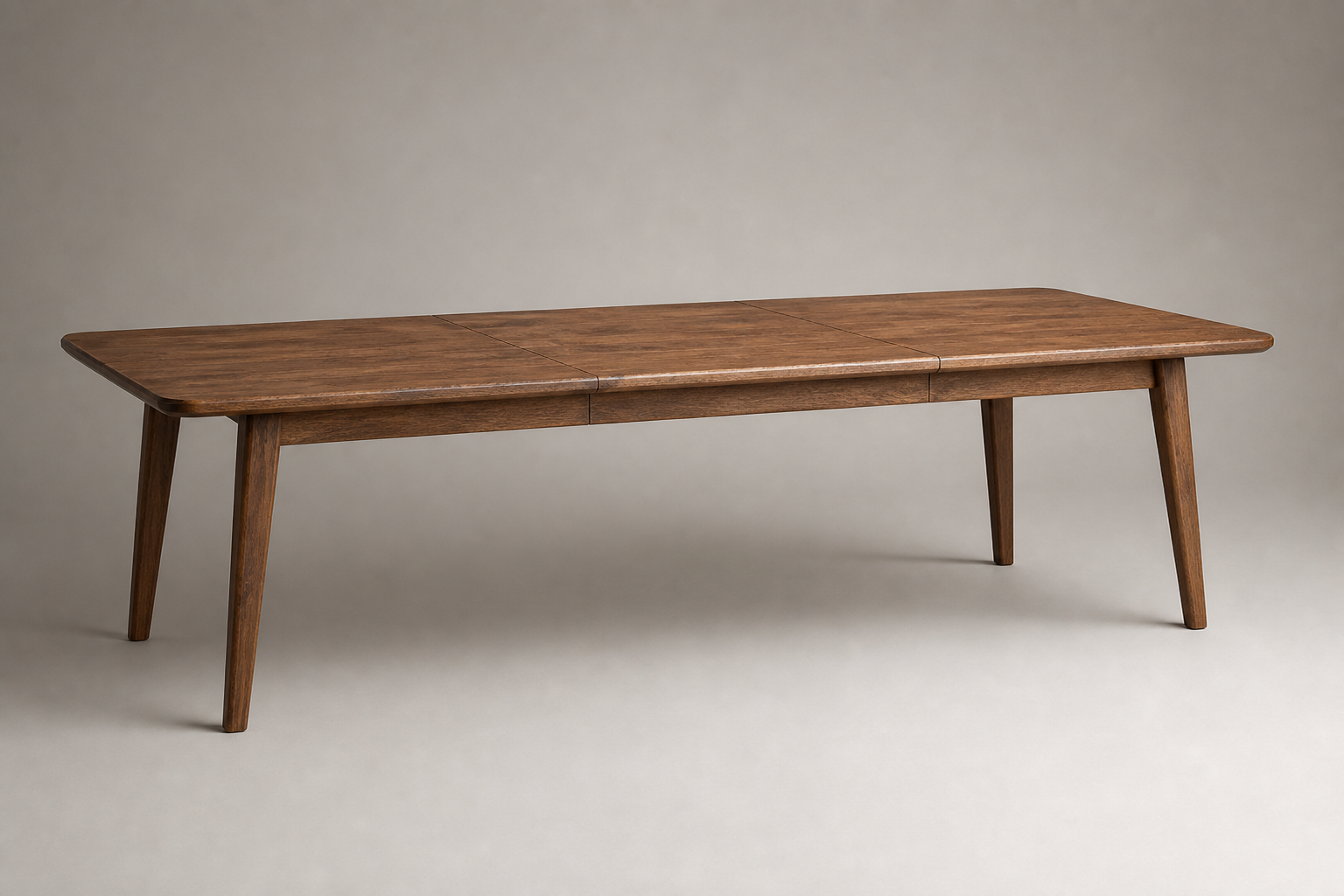
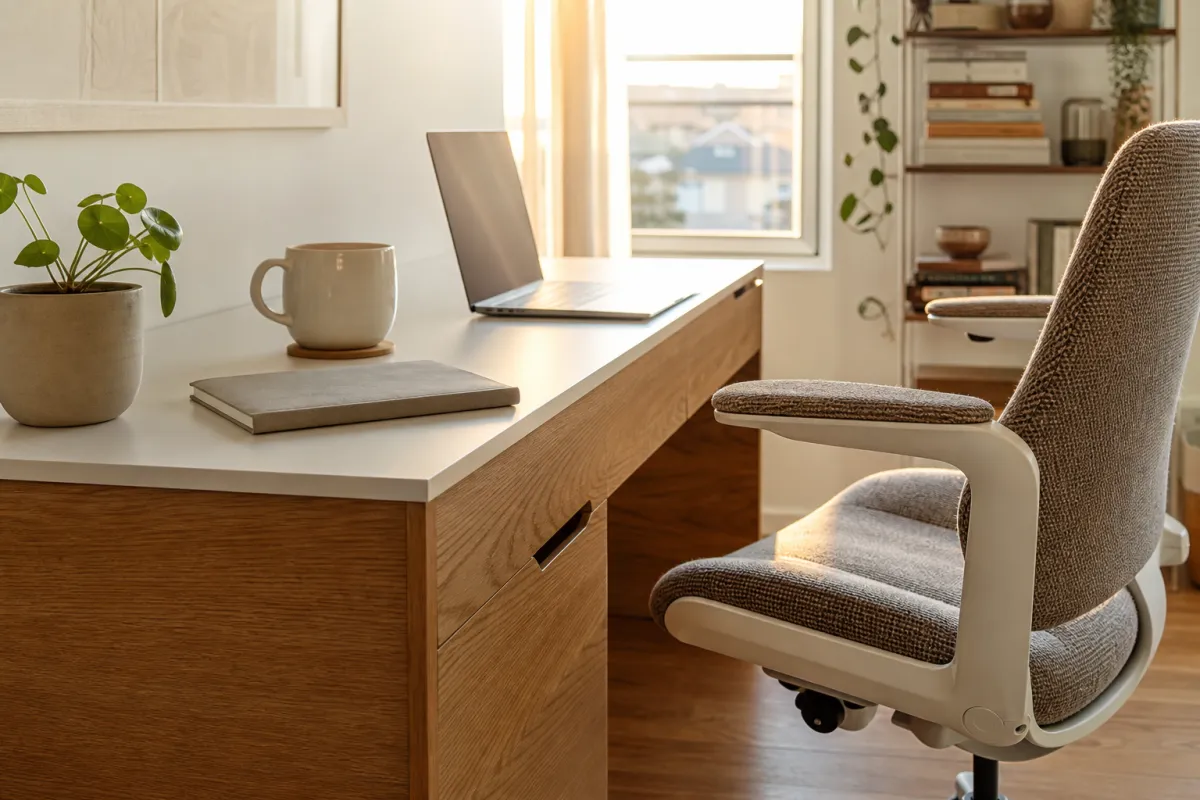
Desks come in many styles—standing desks, compact writing desks, corner units, and adjustable height models. If you have limited room, consider a fold-down wall-mounted desk or a slim profile desk with built-in storage.
Tradeoffs: Standing desks promote movement and better posture but tend to cost more and require more space. Fixed desks can be more affordable but less flexible.
2. Prioritize Ergonomic Seating
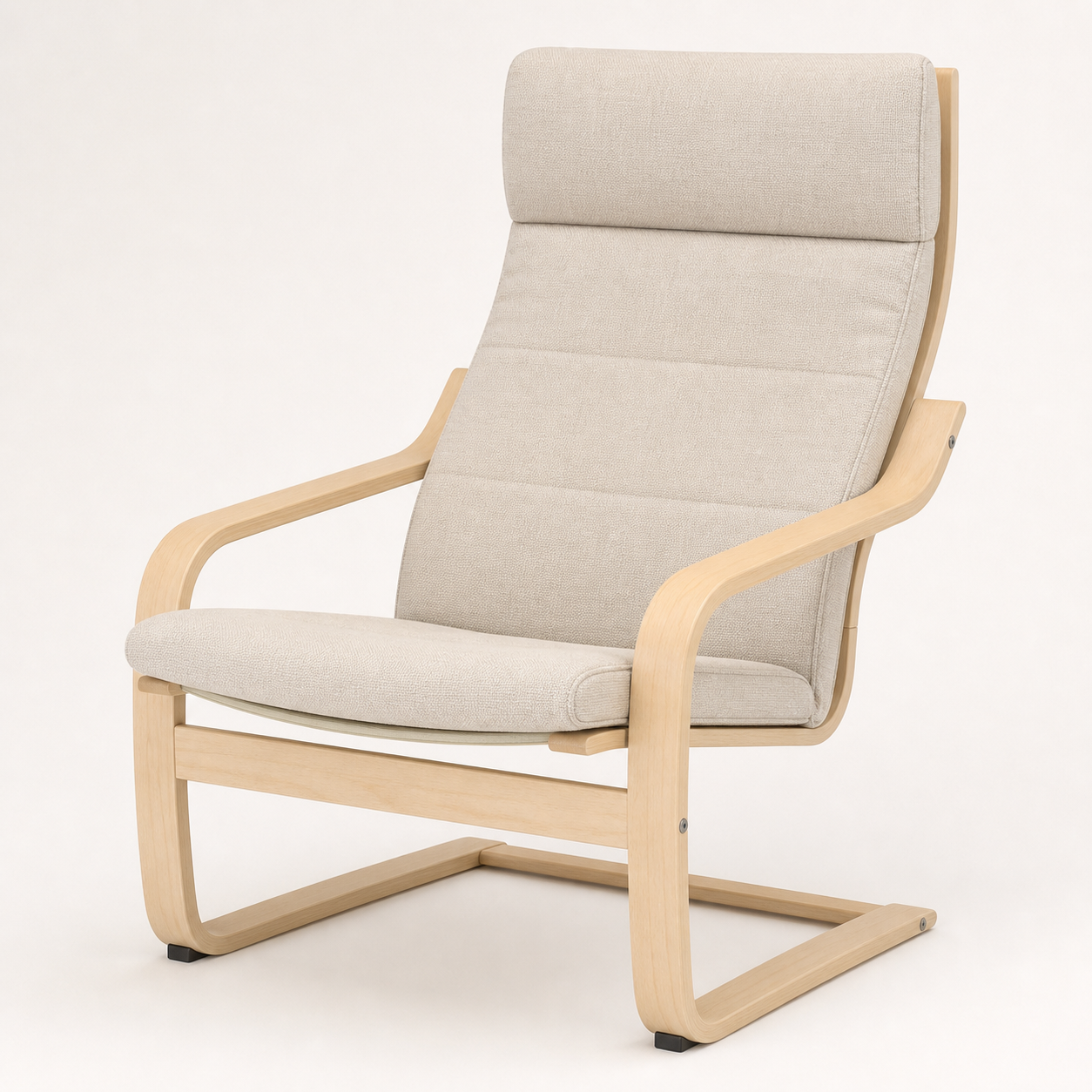
A good <a href="/products/steelcase-leap-ergonomic-office-chair-black-black/" class="product-inline-link">office chair</a> is an investment in your health. Look for adjustable height, lumbar support, and breathable materials. If you’re on a budget, chairs with at least adjustable height and back tilt are a must.
Safety note: Check the chair’s weight capacity and stability. Chairs with five-point bases are more stable and reduce tip-over risks.
3. Optimize Storage Without Cluttering
Storage options include filing cabinets, bookshelves, and desk organizers. For renters, freestanding units are preferable to avoid damage to walls.
Safety tip: Tall bookshelves should be anchored to the wall to prevent tip-overs, especially in homes with kids or pets. Use furniture straps or wall anchors appropriate for your wall type.
4. Manage Cables and Power Needs
Plan for enough outlets near your desk. Use surge protectors and cable organizers to keep cords tidy and reduce tripping hazards.
5. Lighting: Layer Your Light Sources
Combine natural light with overhead and task lighting. Adjustable desk lamps with warm light reduce eye strain during late hours.
6. Consider Acoustics and Privacy
If your space is noisy, adding soft furnishings like rugs, curtains, or acoustic panels can help reduce distractions. Privacy screens or room dividers are useful in shared spaces.
7. Select Low-VOC and Fire-Retardant Materials
New furniture can off-gas volatile organic compounds (VOCs), which affect indoor air quality. Look for products labeled low-VOC or made with natural materials. Upholstered furniture should meet fire safety standards to minimize risk.
Common Mistakes to Avoid in Your Setup
Ignoring Ergonomics
Choosing style over comfort leads to poor posture and discomfort. Avoid desks that are too low or chairs without adjustable features.
Overlooking Safety Anchoring
Failing to secure tall furniture can result in tip-over accidents. This is especially dangerous for children and pets.
Underestimating Space Needs
Buying furniture without measuring can cause overcrowding or awkward layouts that hinder movement.
Neglecting Lighting and Ventilation
Poor lighting causes eye strain; inadequate ventilation can make the workspace stuffy and uncomfortable.
Skimping on Quality for Cost
Cheap furniture may save money initially but often lacks durability and ergonomic features, leading to higher long-term costs.
When to Call a Professional
Custom Carpentry and Built-Ins
If you want built-in desks or shelving tailored to your space, a carpenter ensures precise fit and finish while respecting rental or building codes.
Electrical Work
Adding outlets or rewiring for office equipment should be done by a licensed electrician to avoid fire hazards.
Ergonomic Assessments
Some companies or occupational therapists offer ergonomic evaluations to optimize your setup for health and productivity.
Structural Anchoring
If you’re unsure about wall types or proper anchoring methods, a handyman or contractor can safely install furniture anchors.
FAQ: Home Office Setup Essentials
Q: How much space do I need for a functional desk?
A: Ideally, allow at least 48 inches of width and 24 inches of depth for a comfortable desk surface. Adjust based on your equipment and space availability.
Q: What’s the best chair height for a desk?
A: Your feet should rest flat on the floor with knees at about 90 degrees. The desk height should allow your forearms to rest parallel to the floor when typing.
Q: Can I use regular furniture for my home office?
A: Yes, but ensure the furniture supports ergonomic needs and durability. Avoid overly soft surfaces or unstable tables.
Q: How do I reduce VOC off-gassing in new furniture?
A: Air out furniture in a well-ventilated space before bringing it indoors. Choose low-VOC products or natural materials when possible.
Q: What’s the safest way to anchor tall bookshelves?
A: Use wall anchors or furniture straps secured to studs in the wall. Avoid relying on drywall anchors alone for heavy or tall units.
Quick-Reference Home Office Setup Essentials Checklist
| Setup Element | Key Considerations | Safety Tips |
|---|---|---|
| Desk | Size, style, adjustability | Ensure stable and appropriate height |
| Chair | Ergonomics, adjustability, weight capacity | Five-point base for stability |
| Storage | Capacity, accessibility, freestanding units | Anchor tall units to walls |
| Lighting | Natural + layered artificial lighting | Avoid glare, use warm task lights |
| Cable Management | Sufficient outlets, surge protection | Organize and secure cords |
| Materials | Low-VOC, fire retardant | Ventilate new furniture |
| Space Planning | Measure carefully, allow movement space | Avoid overcrowding |
| Safety Anchoring | Wall anchors for tall furniture | Use proper hardware for wall type |